A client statement is a summary of all invoices and payments for a client — useful for giving them a full picture of what they owe and what they've paid.
Viewing a statement
- 1
Open the client
Go to Clients and click on the client's name.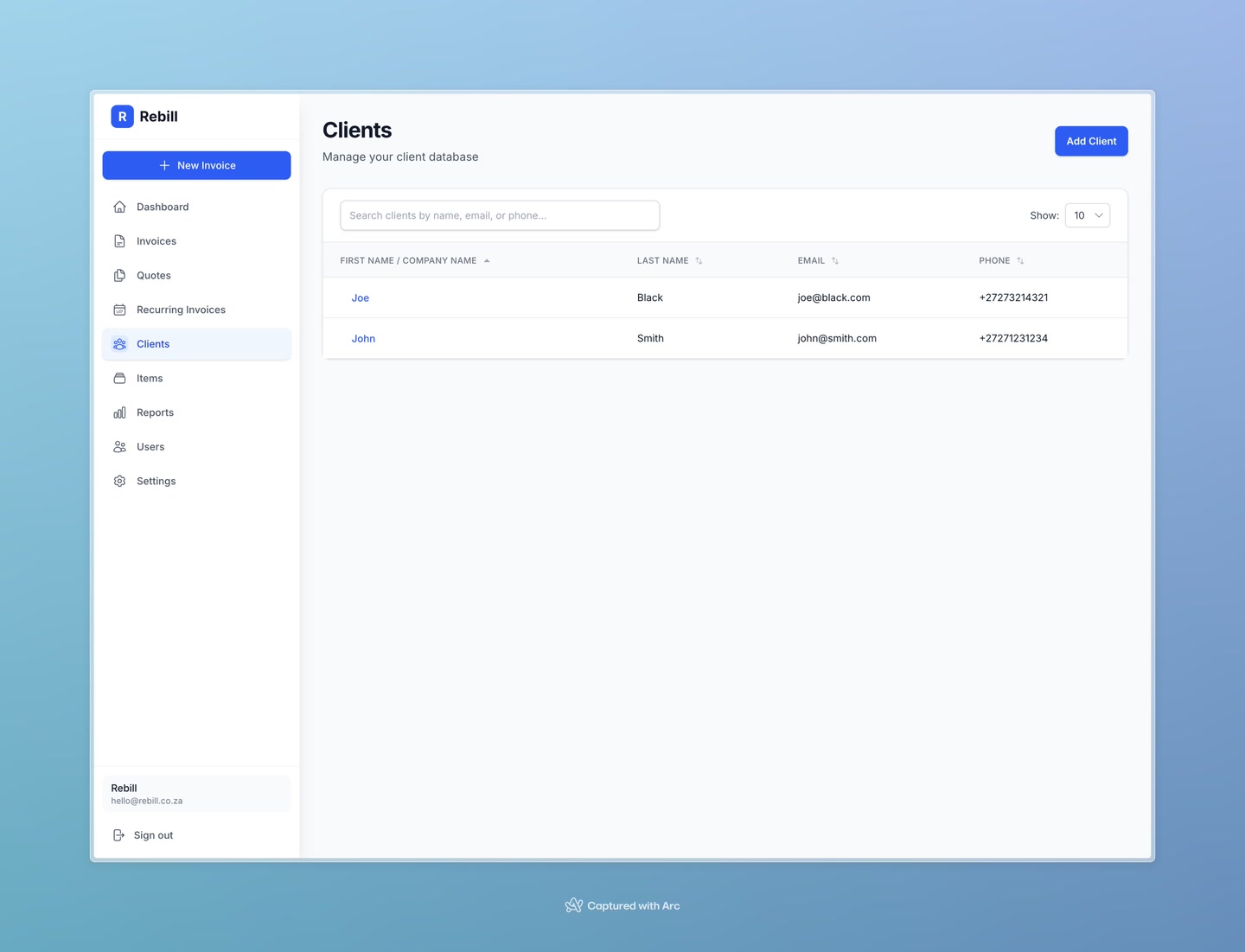
- 2
Click the Statement tab
On the client's page, click the Statement tab. You'll see a summary of their total invoiced, total paid, and outstanding balance, plus their recent invoices and payments.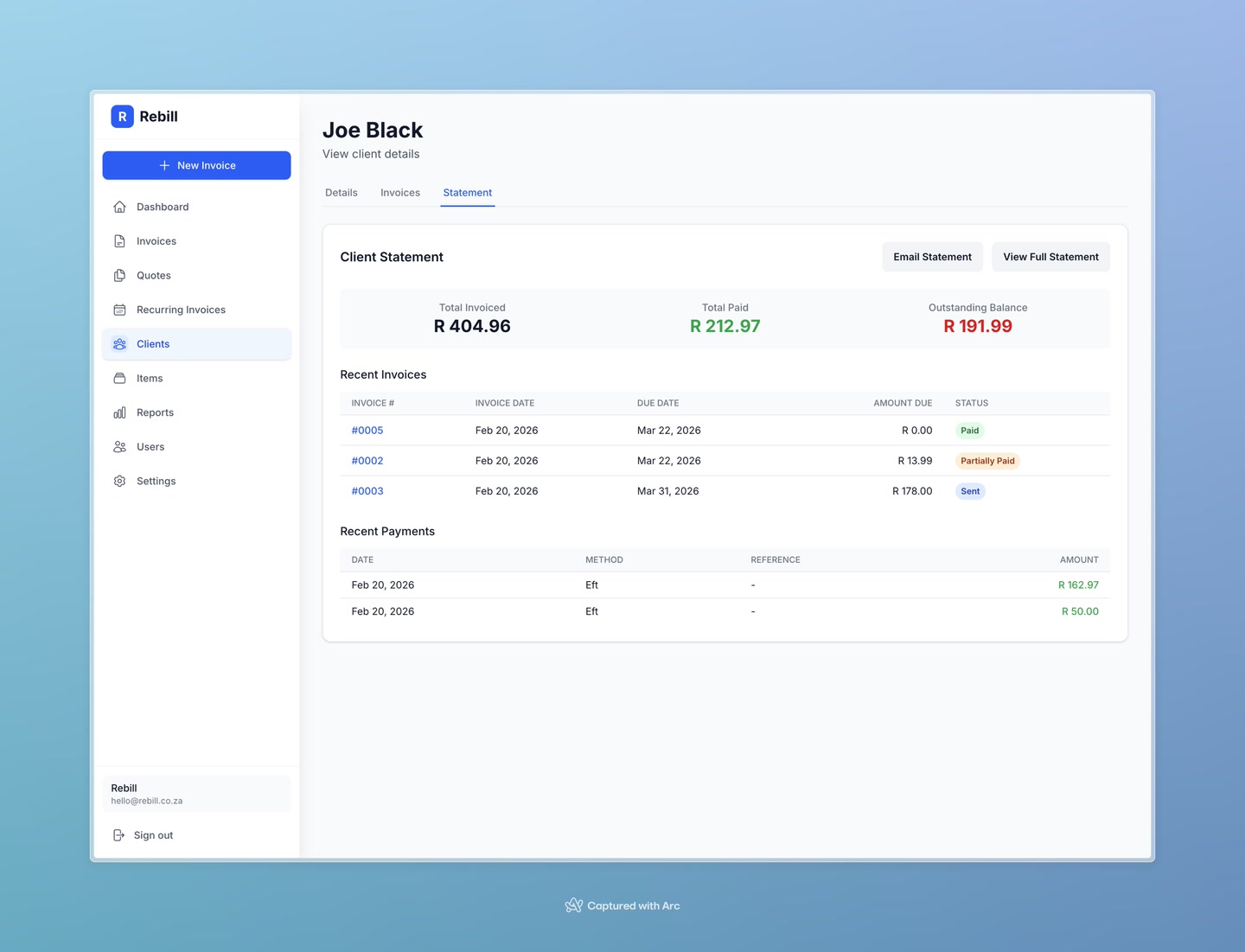
- 3
View the full statement
Click "View Full Statement" to open a printable, detailed statement document showing all transactions.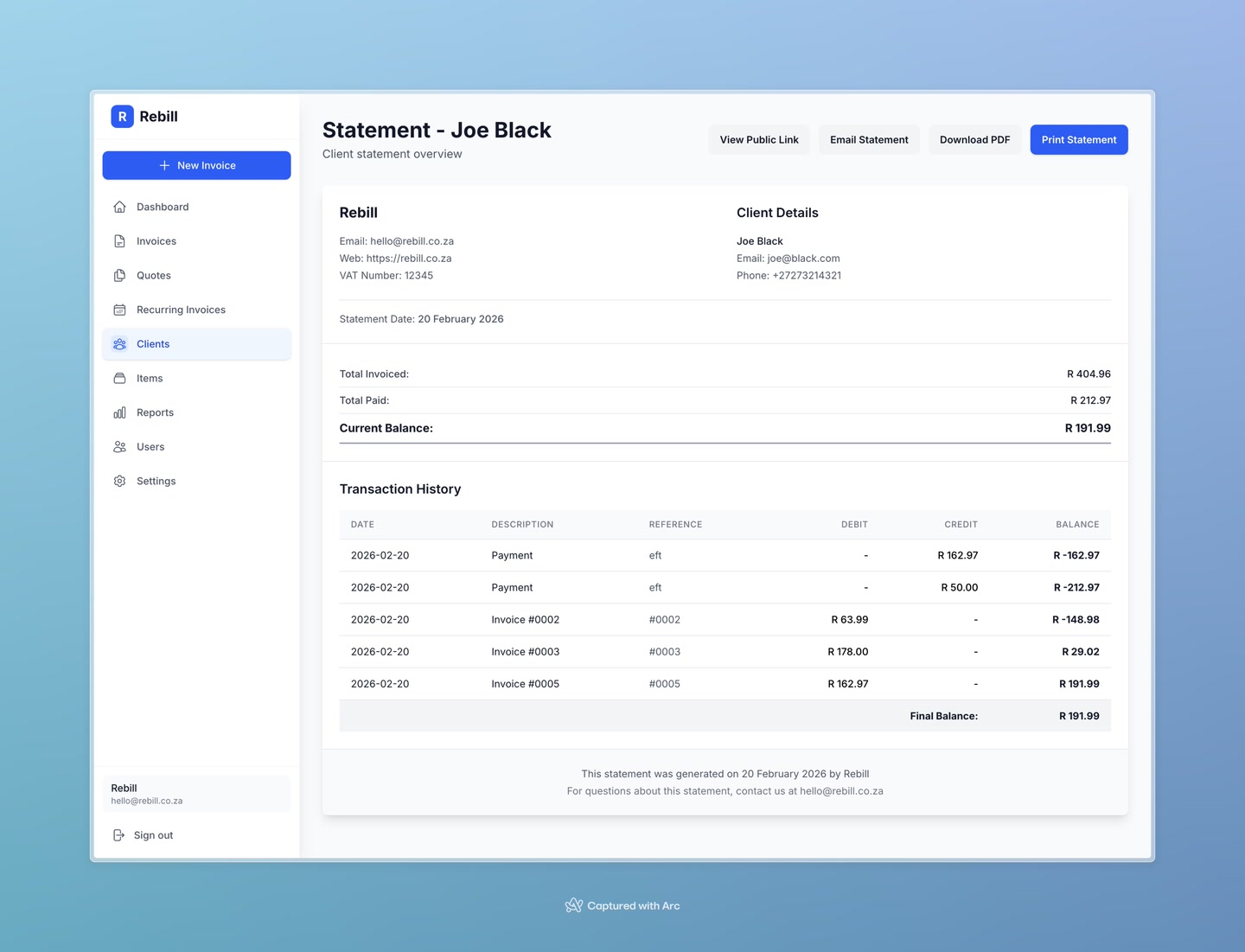
Emailing a statement to the client
- 1
Click "Email Statement"
From either the Statement tab or the full statement page, click the "Email Statement" button. The statement will be sent to the client's email address.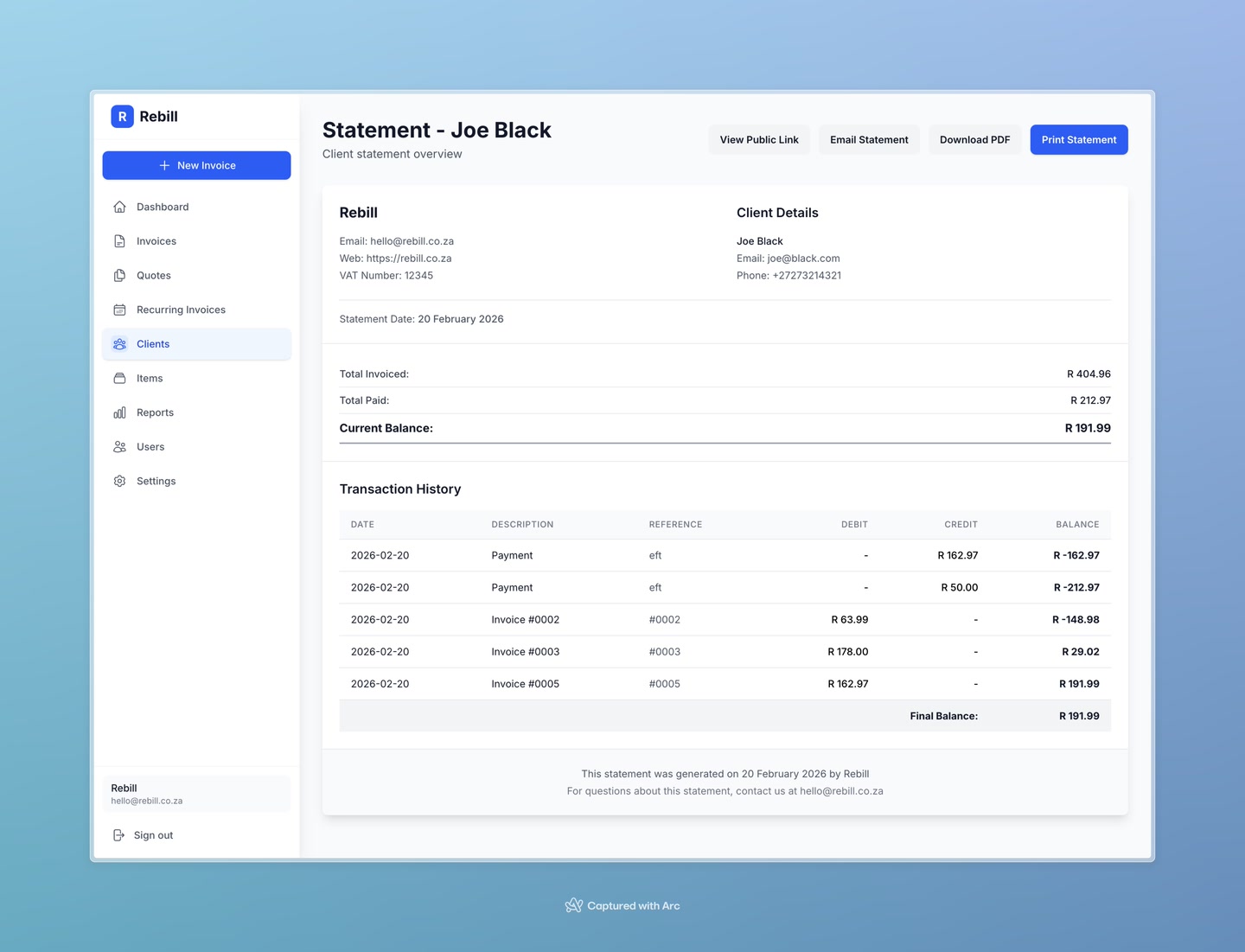
Tip
Your client can also view their statement online via a secure public link. Click "View Public Link" on the full statement page to get the link.