Signing up for Rebill takes less than two minutes. You just need your business name, email address, and the country your business is in.
- 1
Go to the Rebill website
Open your web browser and go to rebill.co.za. Click the "Start Free" button in the top right corner of the page.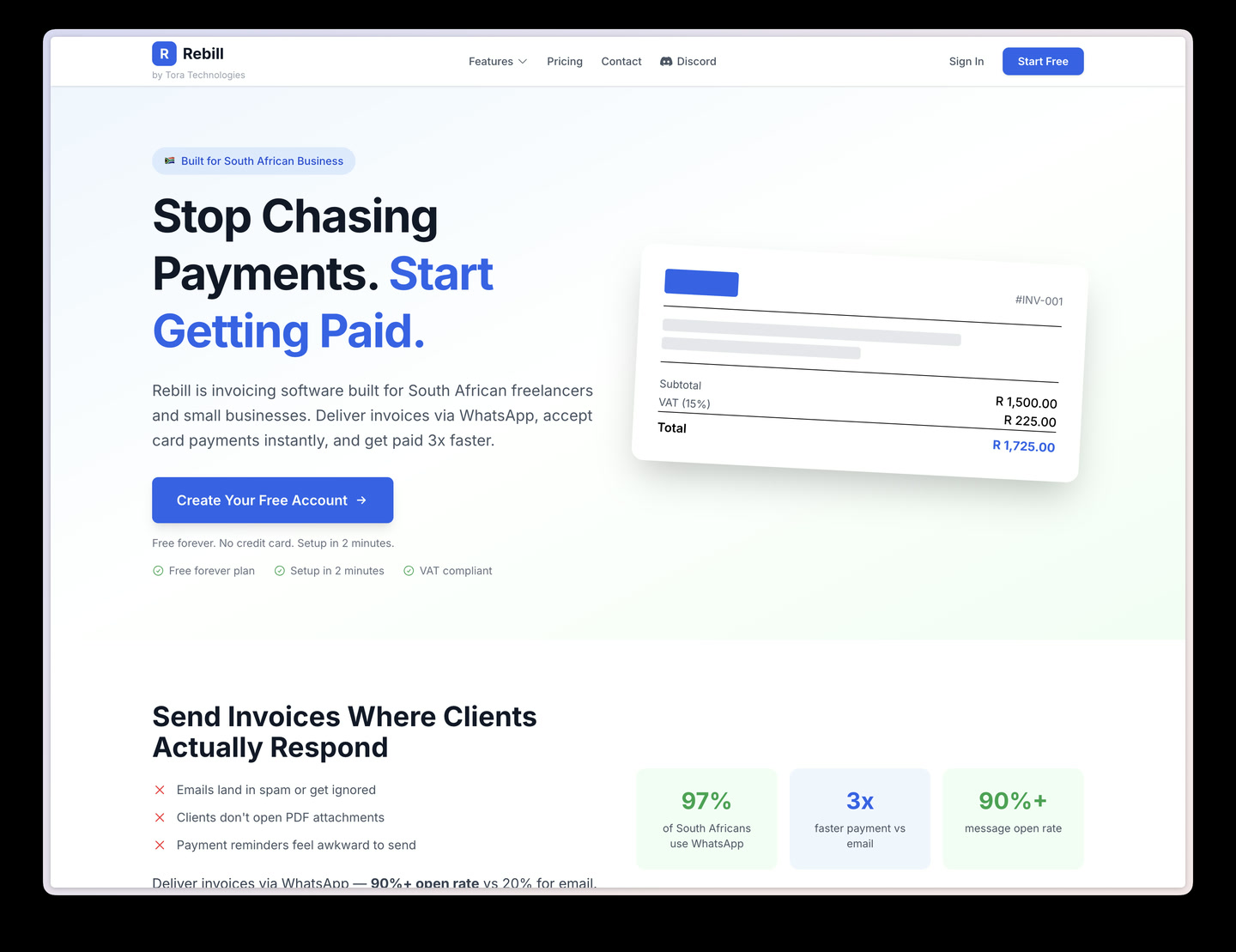
- 2
Fill in your details
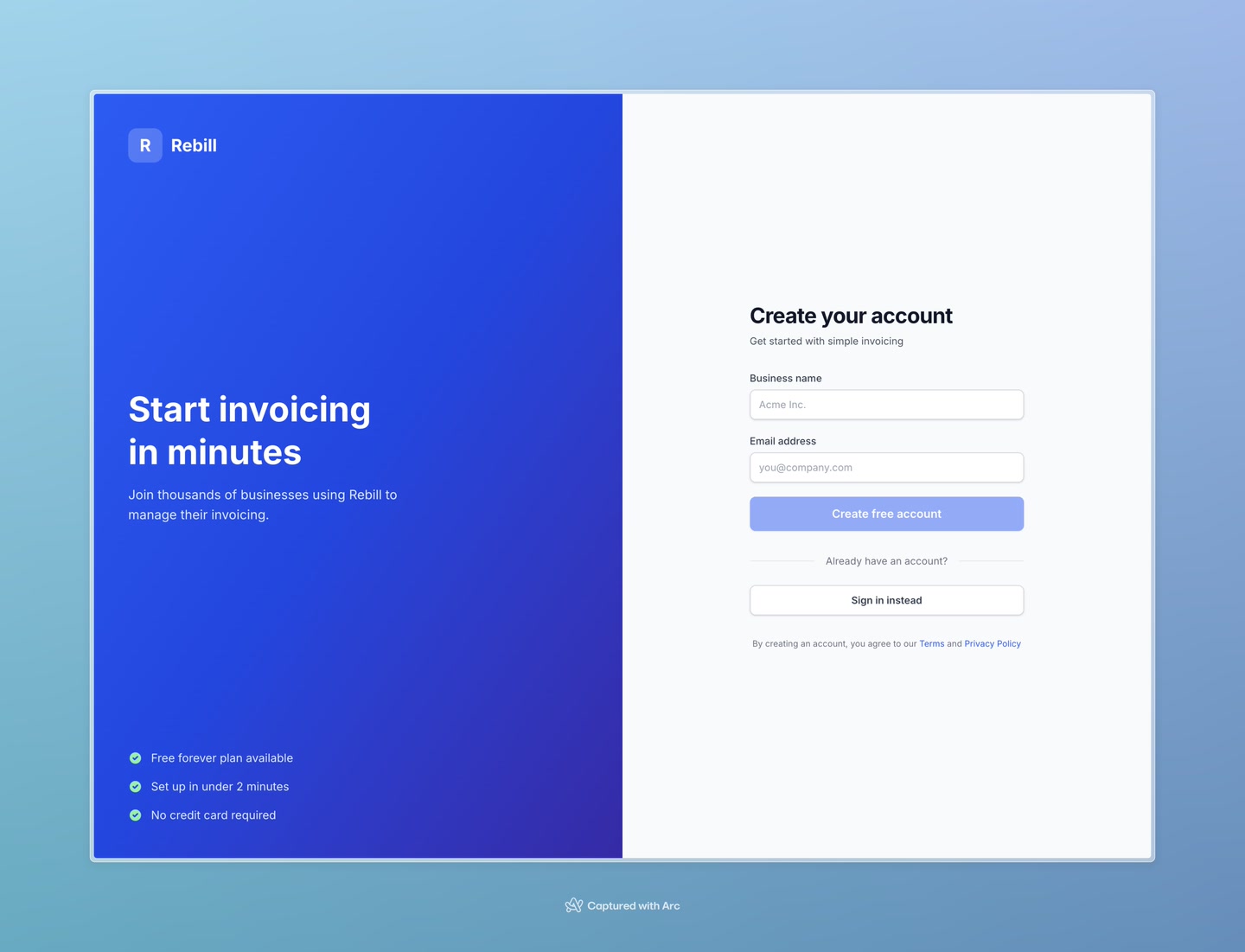
You'll see a short sign-up form. Fill in:- Country — select the country your business operates in
- Business Name — the name of your company or trading name
- Email Address — this is what you'll use to log in
- 3
Check your email for a verification code
Rebill will send a 6-digit code to the email address you entered. Open your email inbox and look for an email from Rebill.
Tip: If you don't see it within a minute, check your spam or junk folder.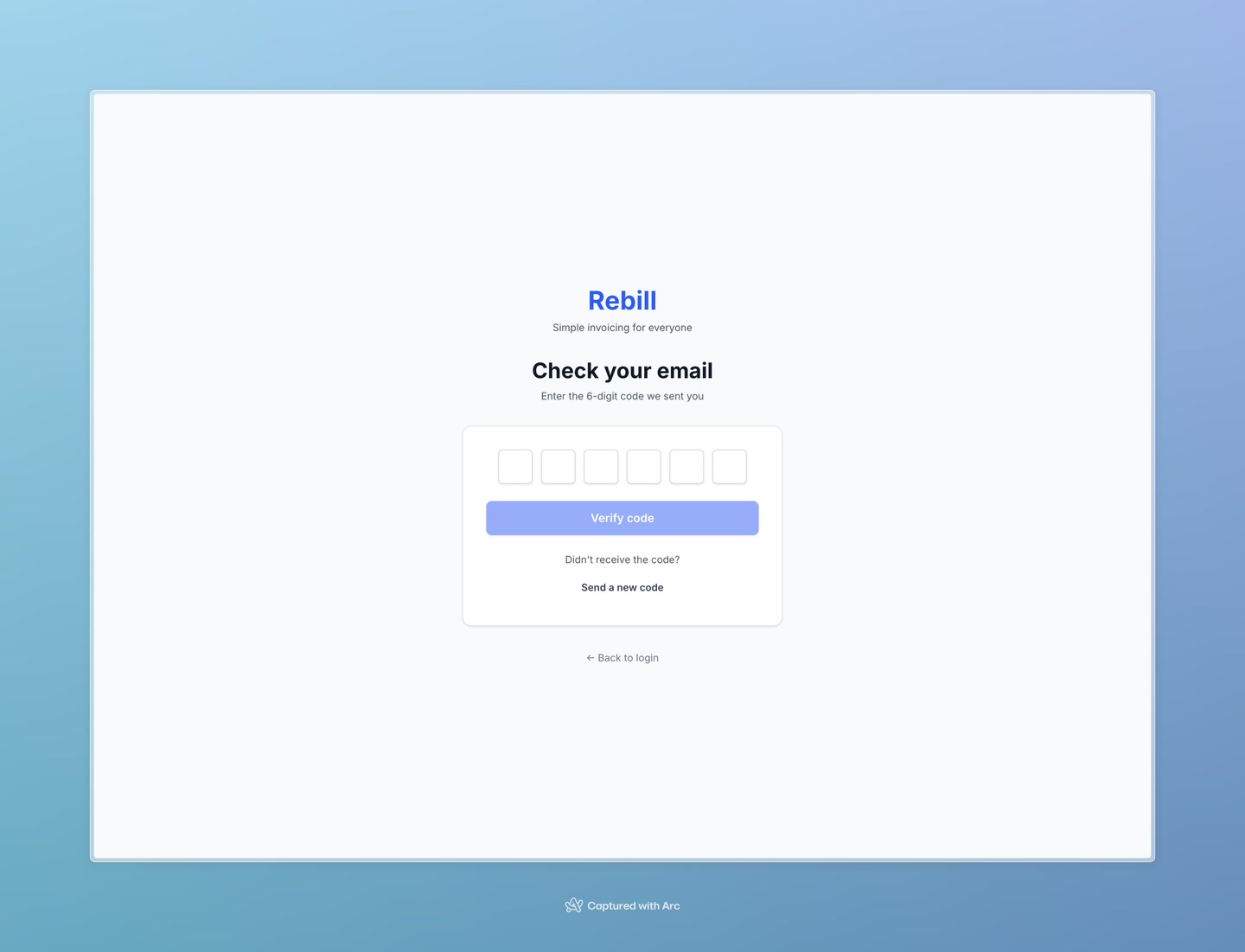
- 4
Enter the 6-digit code
Type the 6 digits from the email into the boxes on the verification page. You can also copy and paste the full code — Rebill will automatically fill each box for you.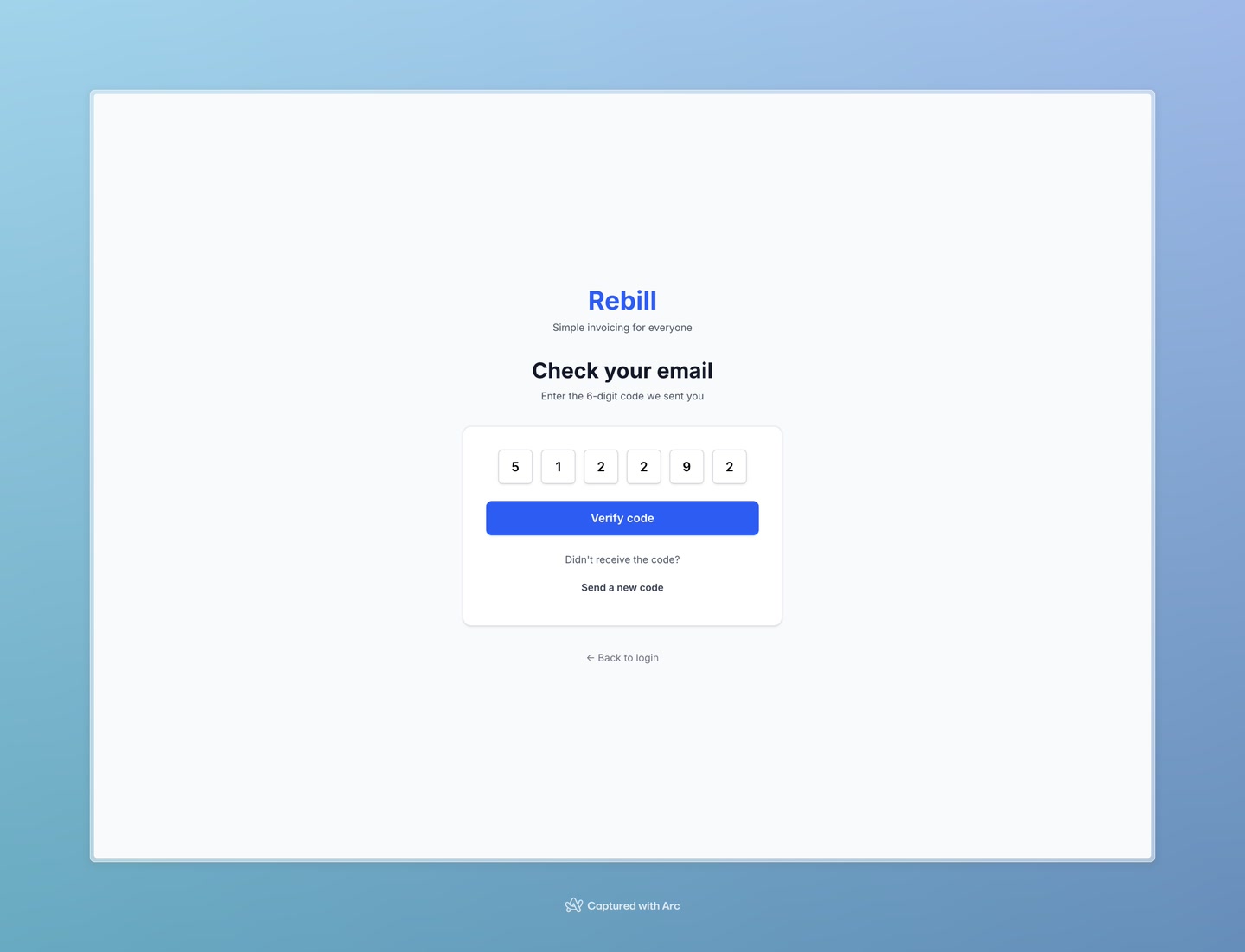
- 5
You're in!
Once your code is verified, you'll be taken straight to your Rebill dashboard. Your account is ready to use.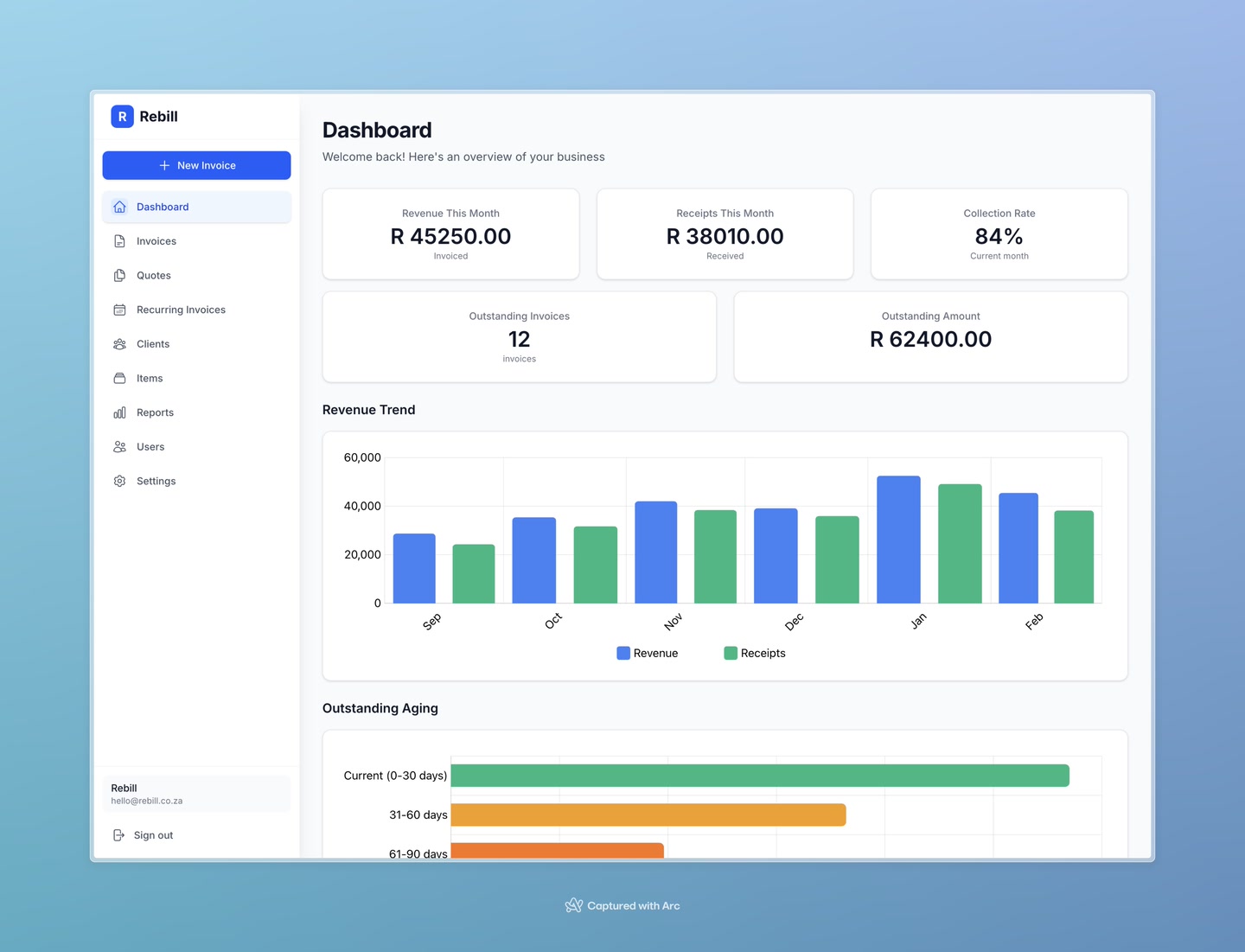
Save the app URL
After logging in, bookmark the page in your browser so you can get back quickly next time. The app lives at app.rebill.co.za.What happens next?
Once your account is created, we recommend doing these things first:
- Add your business logo and contact details in Settings
- Add your first client
- Create and send your first invoice