Items are the products and services you sell. By saving them in your catalog, you can quickly add them to any invoice without typing out the description and price every time.
- 1
Go to Items
Click Items in the left sidebar, then click "Add Item" at the top right.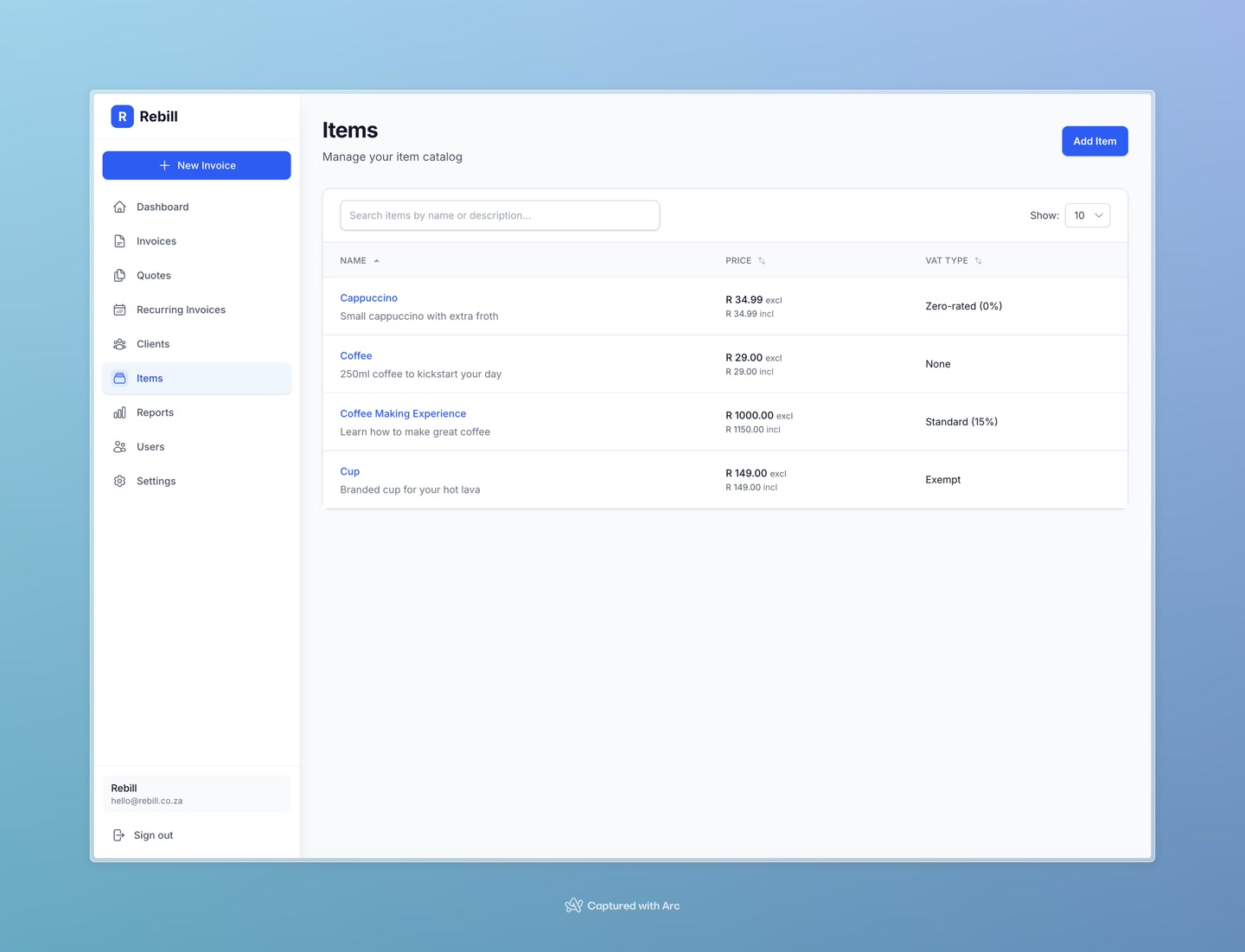
- 2
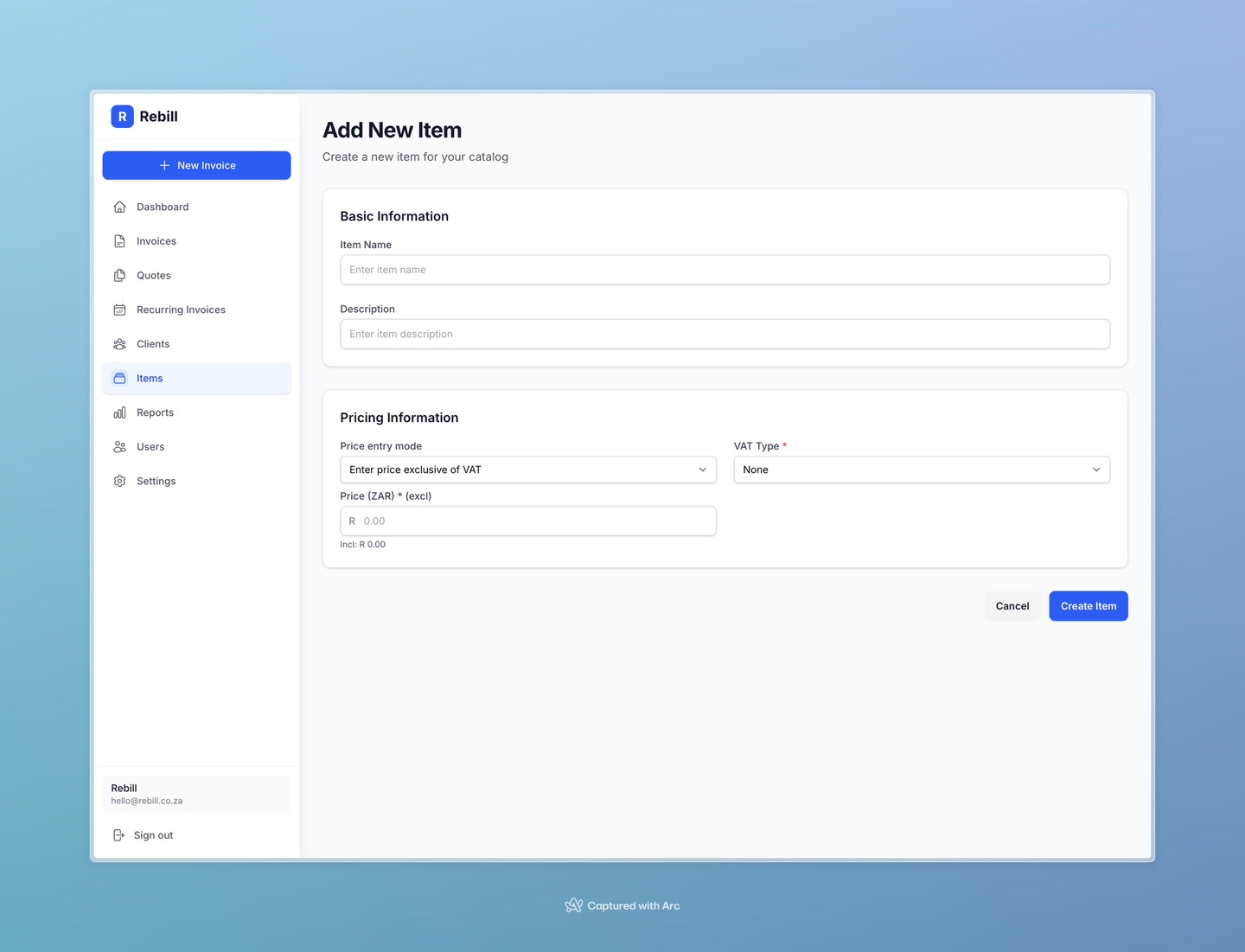
Enter the item details
Fill in:- Item Name — a short name you'll recognise quickly (e.g. "Web Design - Hourly")
- Description — the description that will appear on the invoice line that will appear on the invoice line
- Price — the default price for this item
- 3
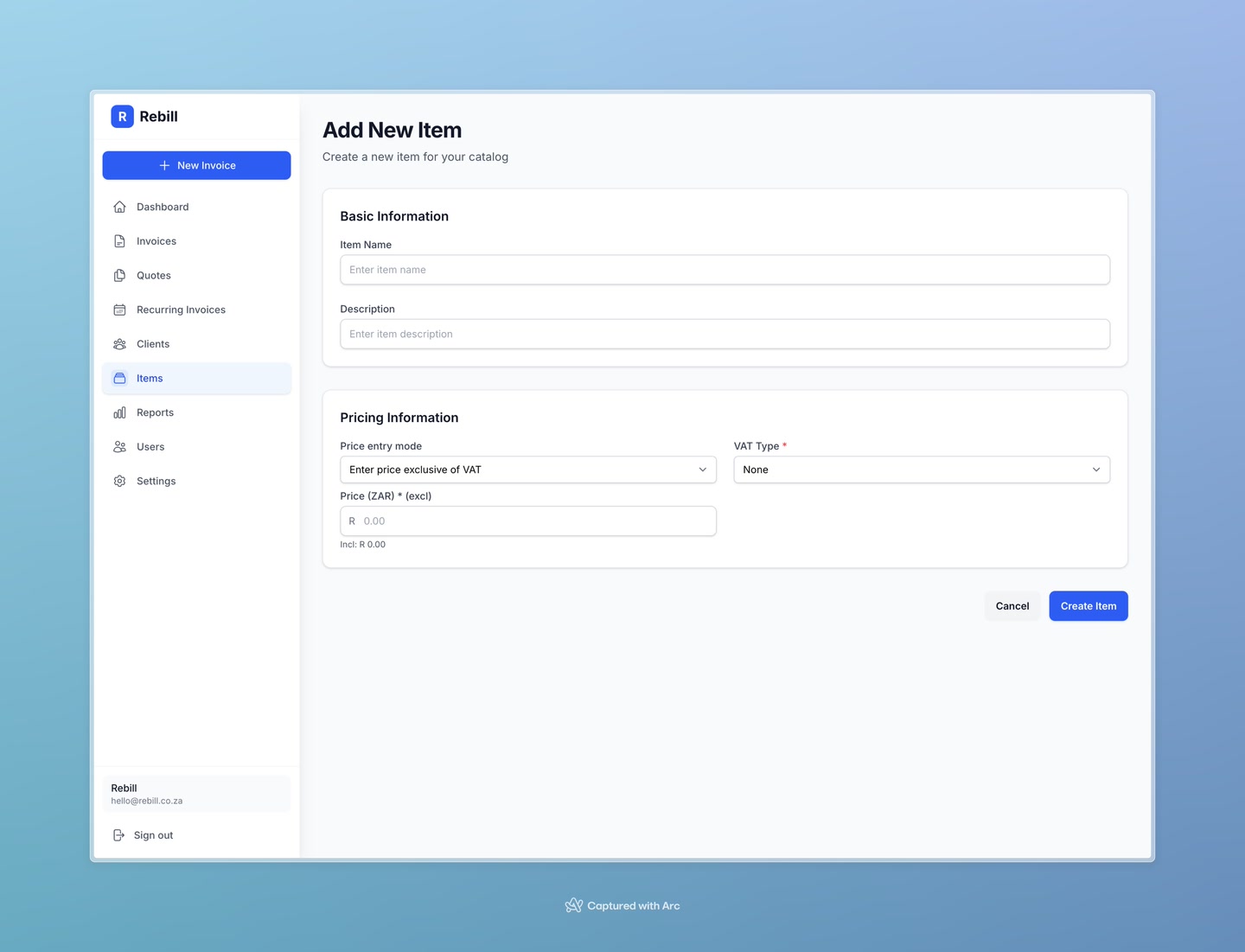
Set VAT type (VAT-registered businesses only)
If your account is VAT-registered, you'll also need to select the VAT type for this item:- Standard (15%) — most goods and services
- Zero-rated (0%) — items that are VAT-taxable but at 0%
- Exempt — items outside the VAT system
- 4
Save the item
Click "Create Item". The item now appears in your catalog.
You can still change the price on an invoice
The price you set here is just the default. When you add an item to an invoice, you can adjust the quantity and unit price for that specific invoice without affecting the catalog.