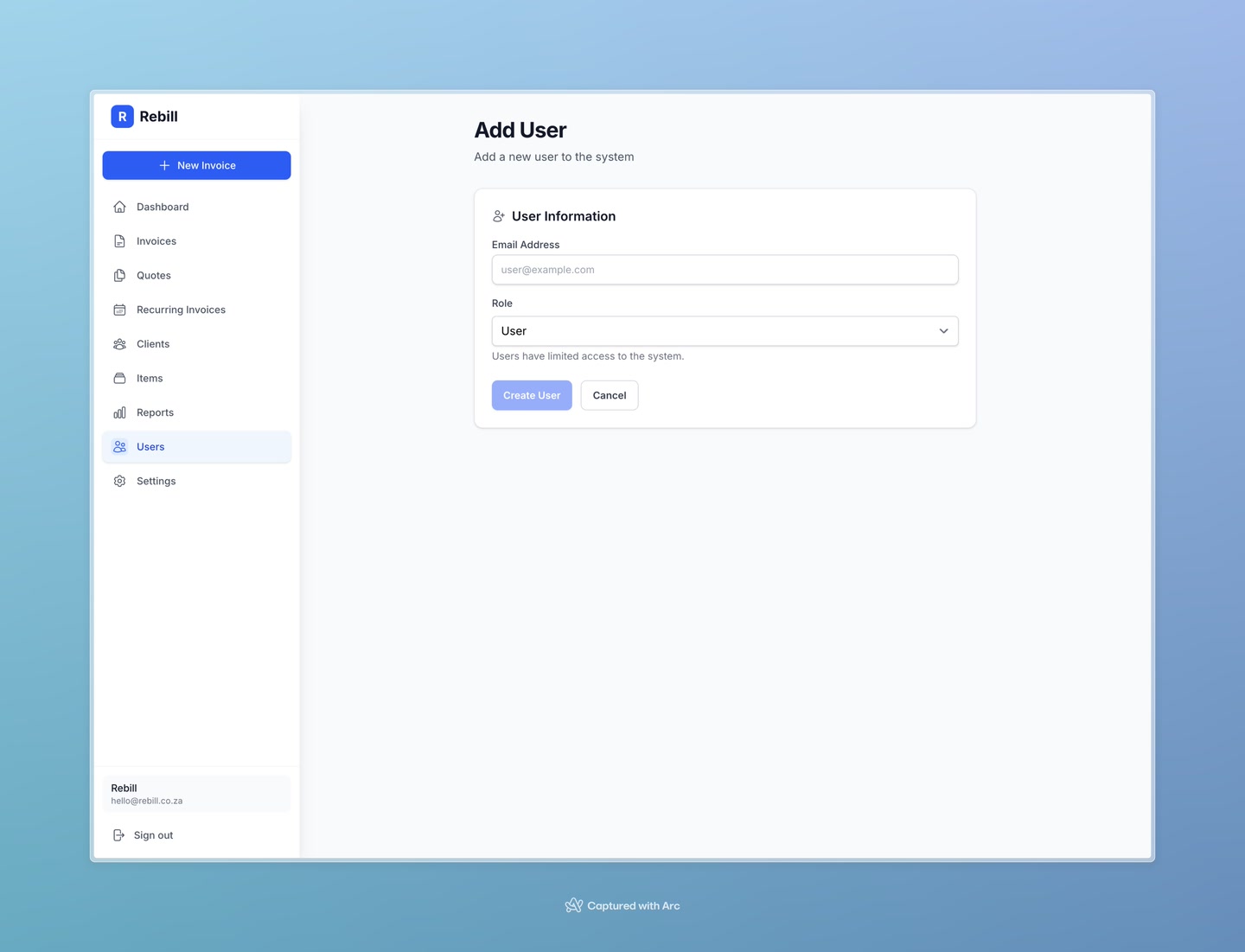
If you have staff or partners who need to manage invoices, you can give them their own access to your Rebill account. Each person gets their own login — no need to share passwords.
Premium feature
Multiple users is a Premium plan feature. You need to be on Premium to invite team members. Only account admins can manage users.Inviting a team member
- 1
Go to Users
Click Users in the left sidebar (only visible to admins on Premium).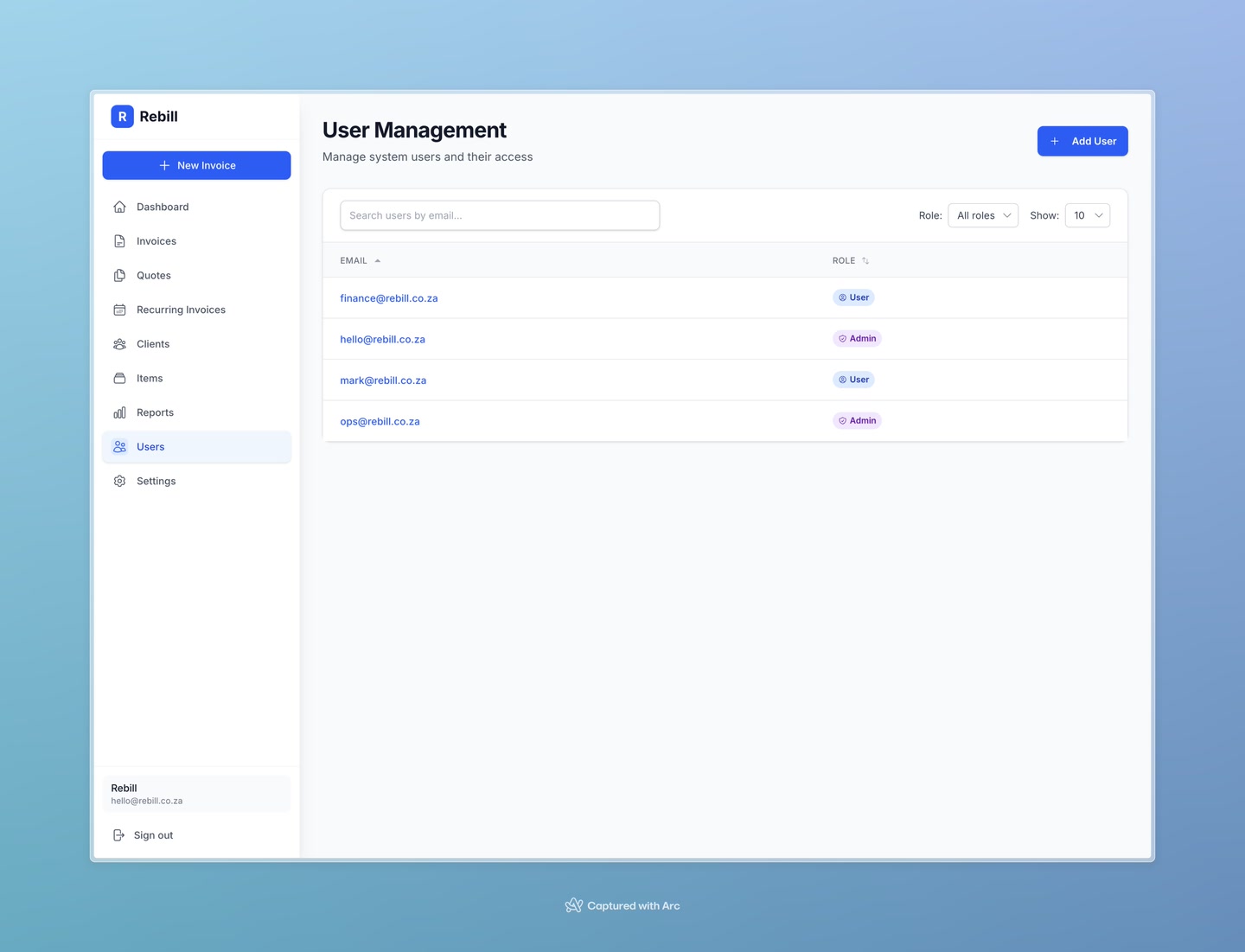
- 2
Click "Add User"
Click the "Add User" button at the top right.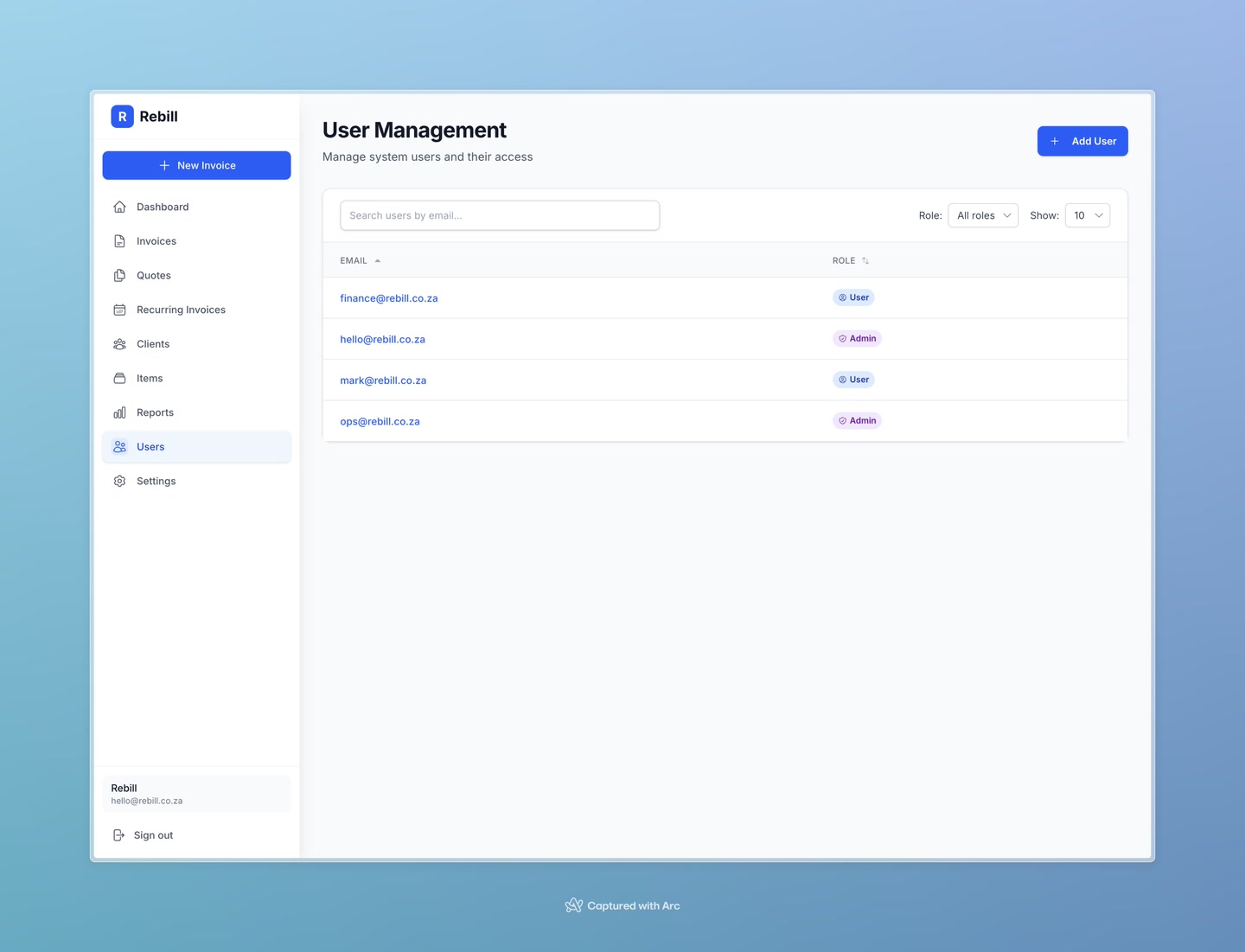
- 3
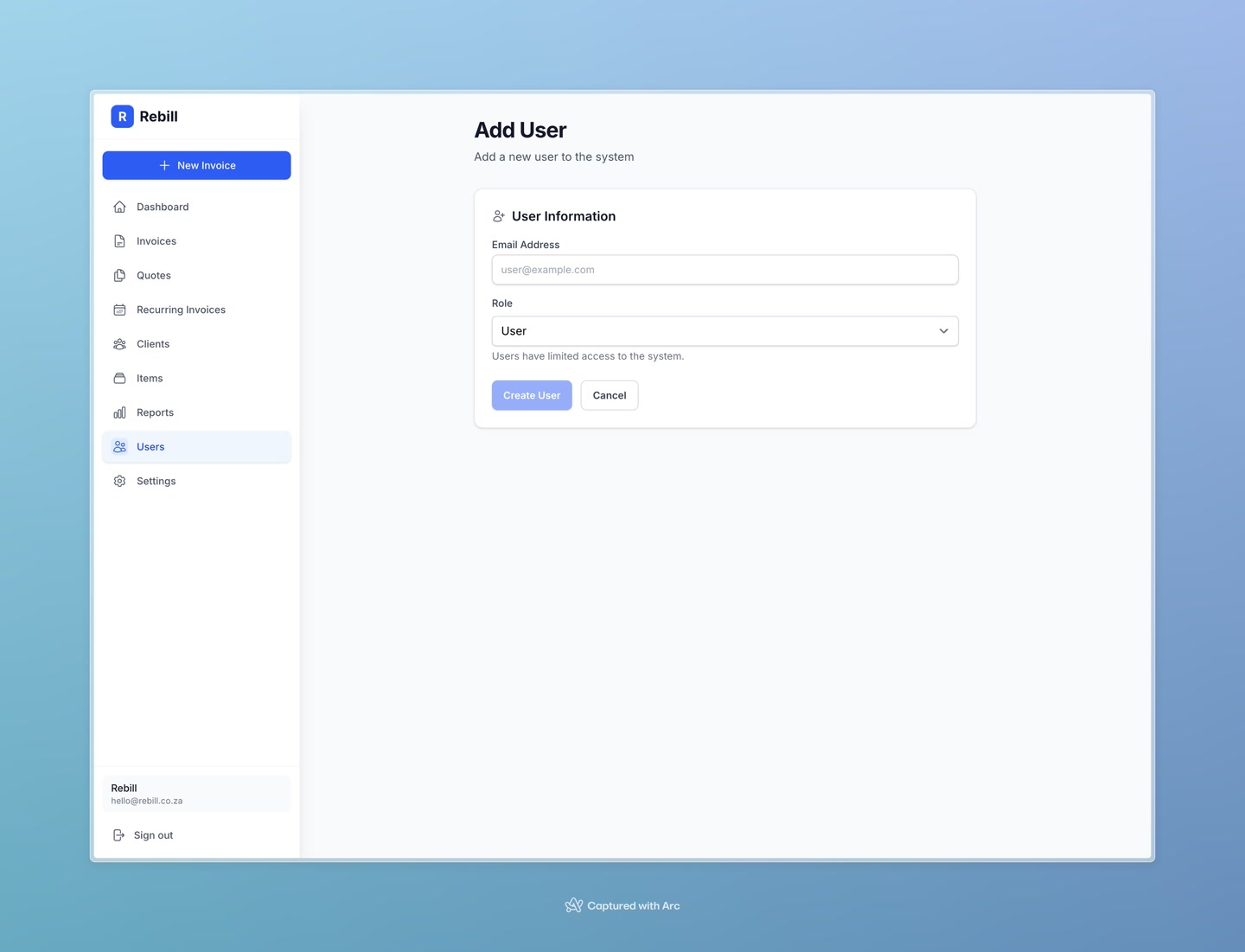
Enter their email and choose a role
- Email — the email address of the person you're inviting
- Role — choose Admin or User (see below for the difference)
- 4
Save
Click "Create User". The new team member can now log in using Rebill's email code login — no password needed.
Changing a user's role
- 1
Click on the user
In the Users list, click on the team member's email to open their profile. - 2
Edit and change the role
Click "Edit User", change the role, and click "Save".