You can download any invoice as a PDF or print it directly from Rebill. This is useful for keeping paper records or sending invoices by post.
Download as PDF
- 1
Open the invoice
Go to Invoices and click on the invoice you want to download. - 2
Open the Actions menu
Click the Actions button in the top right corner.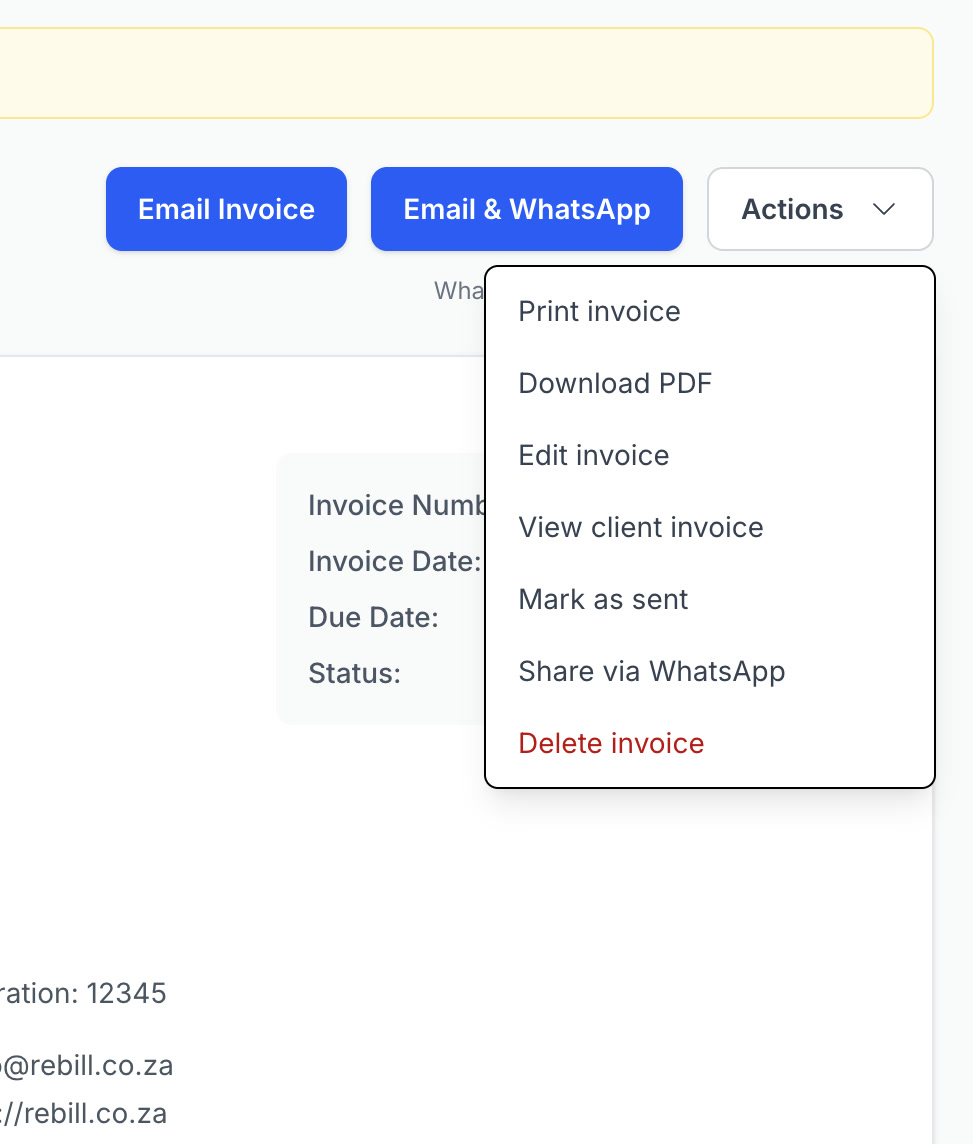
- 3
Click "Download PDF"
The PDF will download to your device. It will look exactly like the printable version of the invoice.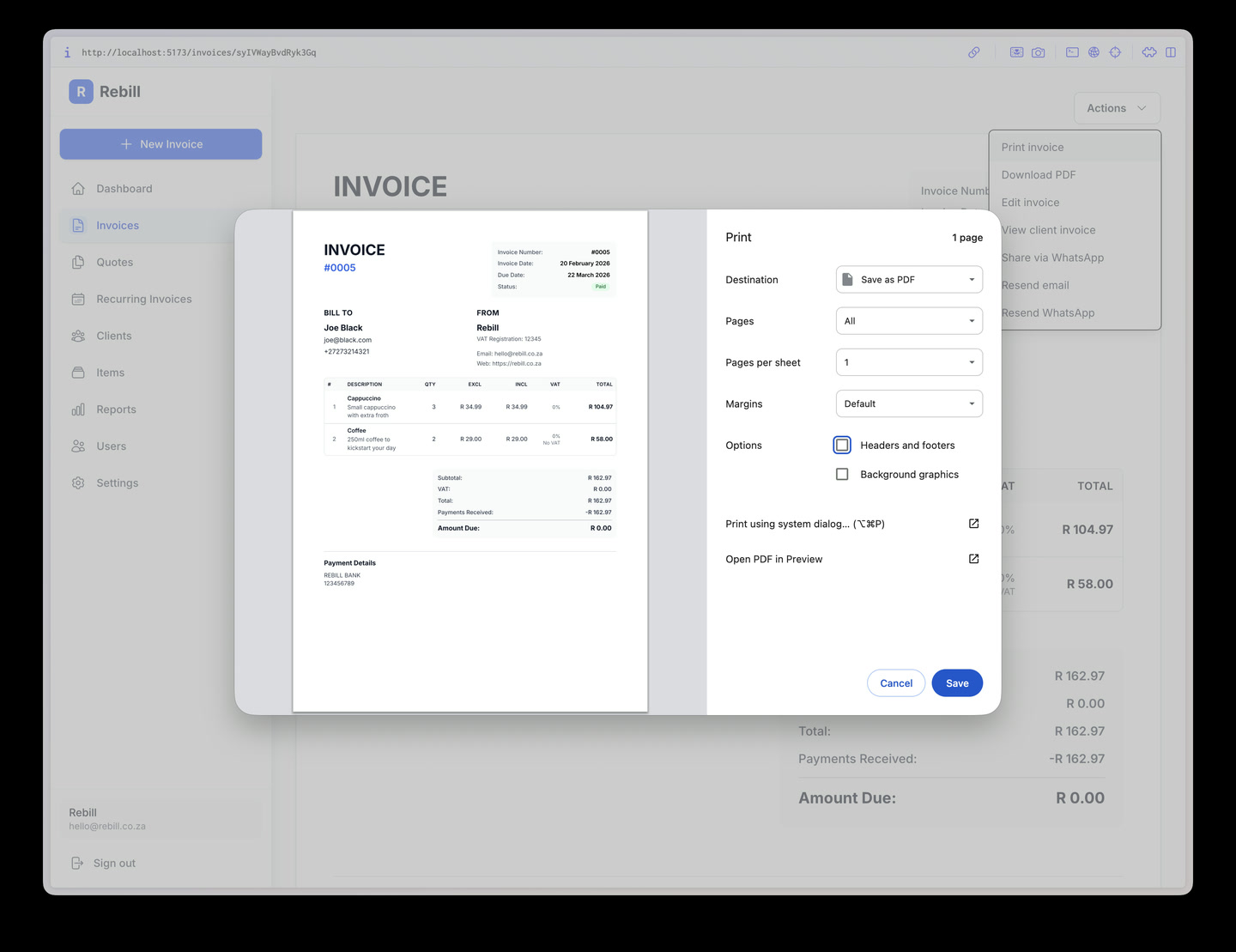
Print the invoice
- 1
Open the Actions menu
From the invoice, click Actions and then "Print invoice".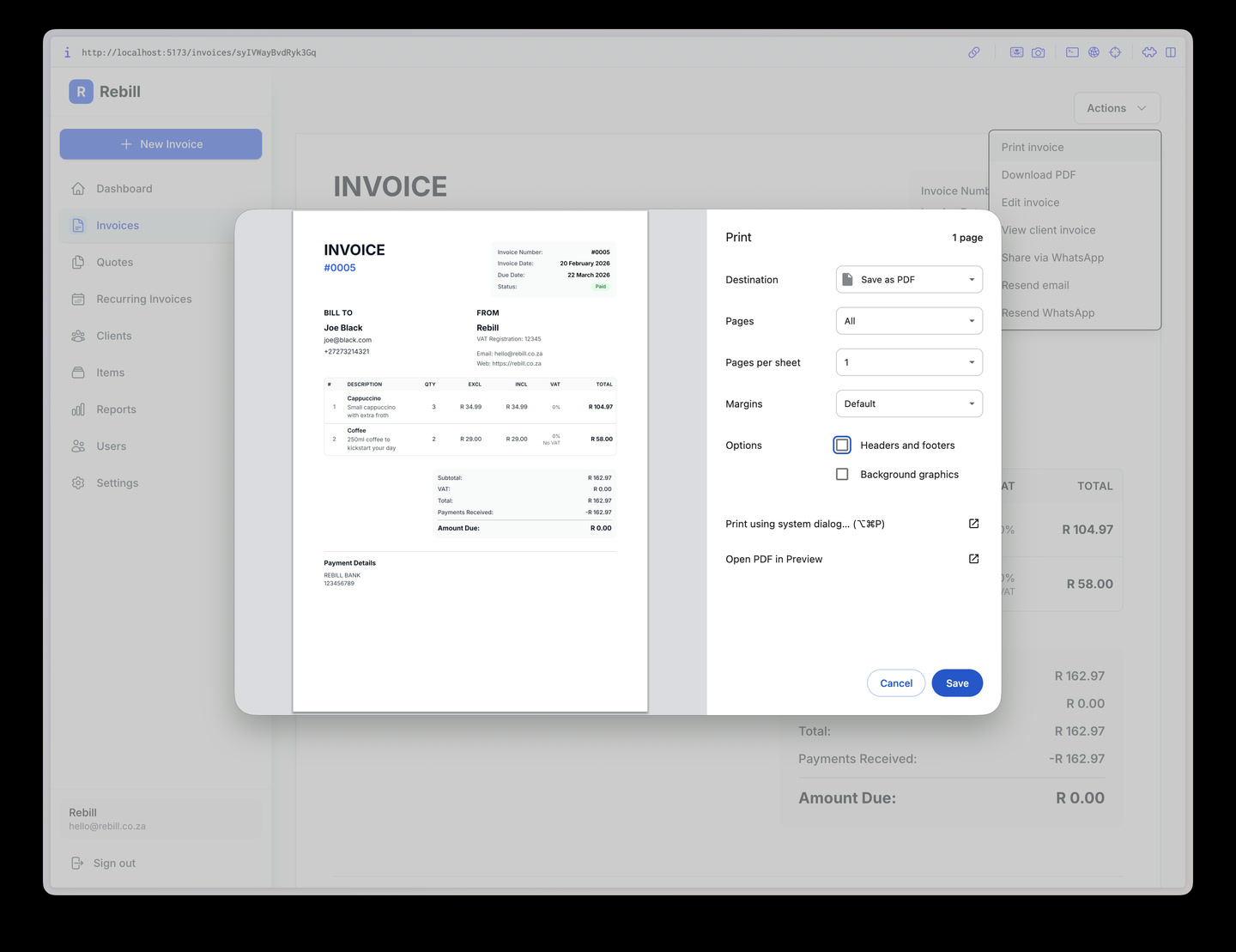
- 2
Print from your browser
Your browser's print dialog will open. The invoice is automatically formatted for printing — all the navigation and buttons are hidden so only the invoice itself prints.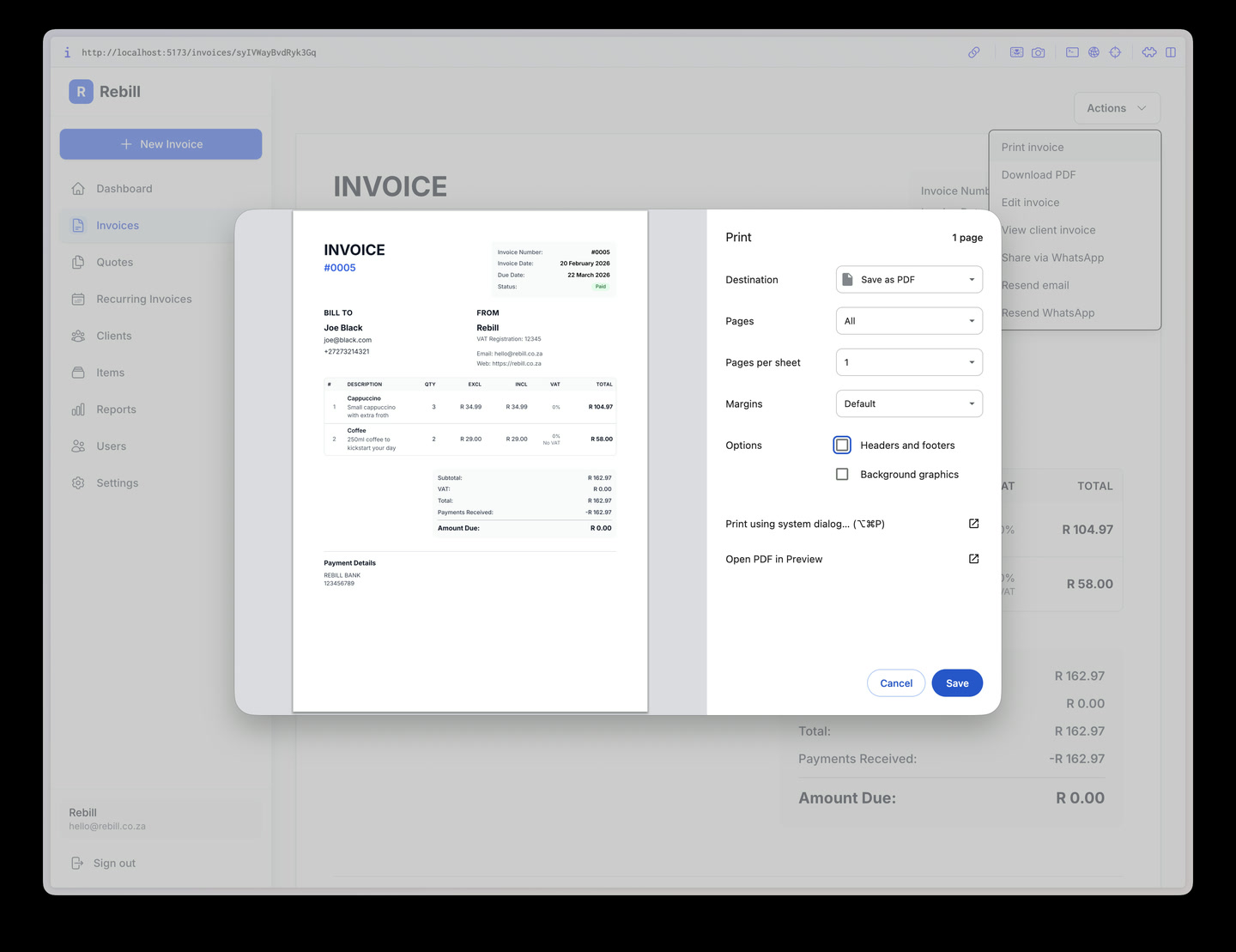
Note
Your client can also download their own PDF from the public invoice link — they don't need to log in to Rebill to do this.